Check a customer's Thai bank transfer slip in seconds: drop the picture in the Slip checker to read its QR, spot edits and re-used slips, then confirm.
📑 In this guide
In Thailand many customers pay by bank transfer and show you a slip – a screenshot from their banking app. Most are genuine, but fake and re-used slips do happen. In this guide you'll learn how to check a slip with the free Slip checker. It takes seconds per slip, and all you need is the picture the customer sent you.
Check a slip in 3 steps
1. Open the Slip checker
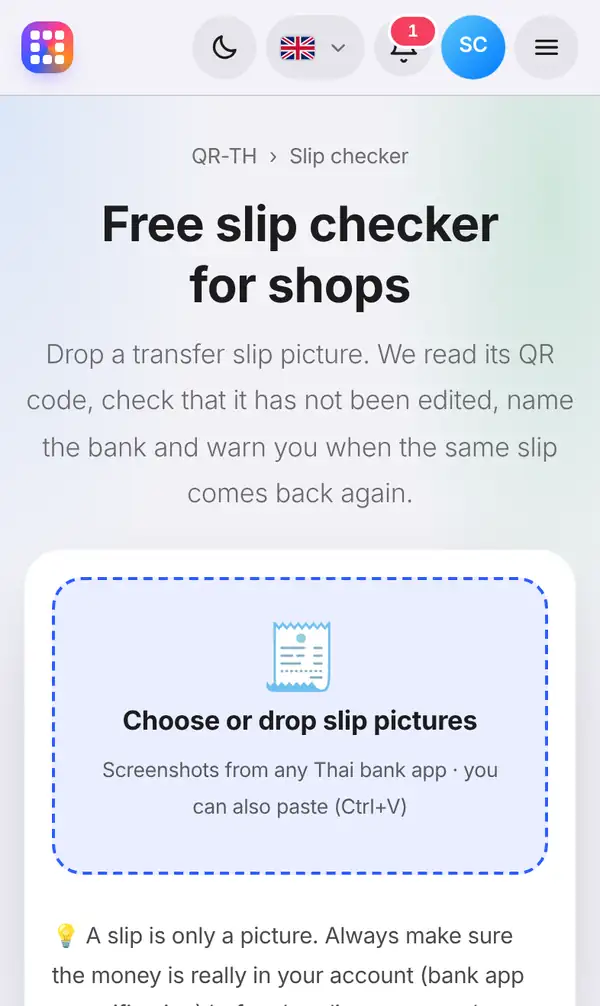
Open the Slip checker. You'll also find it in the menu and at the bottom of every page under Slip checker.
The page explains what it does: it reads the small QR code printed on Thai bank slips, checks that it hasn't been edited, tells you which bank sent the money, and warns you when the same slip turns up again.
2. Add the slip picture
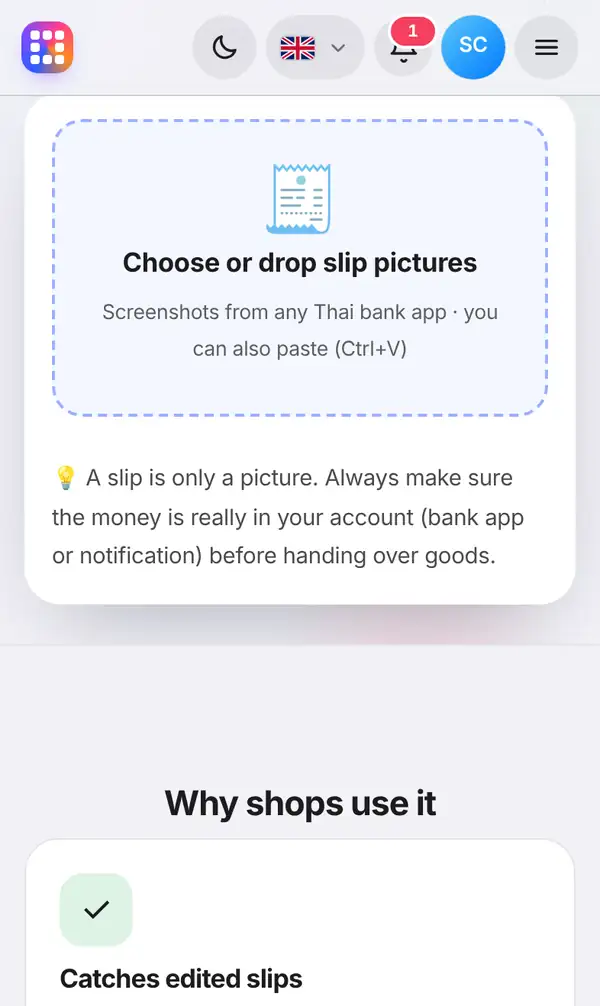
Press Choose or drop slip pictures and pick the slip screenshot. On a computer you can also drag the picture onto the box, or copy it and paste with Ctrl+V. You can check several slips at once.
Use the original screenshot the customer sent, not a photo of a screen or a cropped picture.
In a second you'll see the result:
- whether the slip's QR code is genuine or has been changed;
- the sending bank and the transaction reference;
- a clear warning if this slip has been checked before, which may mean someone is re-using an old slip.
The amount, sender, receiver and time can be confirmed with the bank when a slip-checking service is connected to your account.
3. Always check your bank account too
A slip is only a picture, and pictures can be faked. The final proof is the money in your own account. Before you hand over goods:
- open your banking app or check your bank's notification;
- make sure the amount is right;
- check the sender's name and the date and time of the transfer.
If the money isn't there, politely ask the customer to wait while you check again, or to pay another way.
Tips to avoid slip fraud
- Make "check the bank app" a habit for every staff member, not just the owner.
- Be extra careful at busy times, when people hope you won't look closely.
- Be suspicious of slips with no QR code at all, or ones that look cropped or blurry.
- Turn on instant notifications in your banking app so payments pop up straight away.
- Our guide on how to spot fake payment slips shows the most common tricks.
FAQ
Is the Slip checker free?
Yes. Reading the slip's QR code, the edit check and the re-used slip warning are free.
Is the slip picture uploaded?
The picture is read in your browser; only the text inside the slip's QR code is checked.
Can the checker prove the money arrived?
No tool can replace your own bank account. Use the checker to catch edited and re-used slips, and always confirm the payment in your banking app.
Which banks does it work with?
It reads slips from Thai bank apps, which all print a small verification QR code on their slips.
Check a slip now. Related: how to spot fake payment slips and how to make a PromptPay QR code.