Make a free link in bio page for Instagram and TikTok: templates, opening hours, a QR code, stats, no ads, and it speaks each visitor's language.
📑 In this guide
- What you get with a free link in bio page
- A link in bio that speaks your visitor's language
- Your own words in every language
- Made for social media and the shop counter
- Create your Bio page in 3 steps
- 1. Sign up free and pick a template
- 2. Add your blocks and design
- 3. Share the link and print the QR
- FAQ
- Is the link in bio page really free?
- Can I use it for Instagram and TikTok?
- How does the multilingual link in bio work?
- Can I see how many people visit?
A free link in bio page gives your Instagram, TikTok or LINE profile one link that leads to everything: your menu, your shop, your booking form, your music. With a free QR-TH account you get your own page at qr-th.com/@name, a QR code to print, statistics and no ads. And it speaks each visitor's language. Make your Bio page.
What you get with a free link in bio page
Start from a template made for you: creator, online shop, restaurant or café, music, freelance or portfolio, or a digital business card. Then add the blocks you need:
- links and big buttons, headings and text
- video, music and a photo gallery
- products, opening hours, FAQ and reviews
- contact details, a map and a countdown
- social icons, including WeChat, Douyin, Xiaohongshu and Alipay for Chinese customers
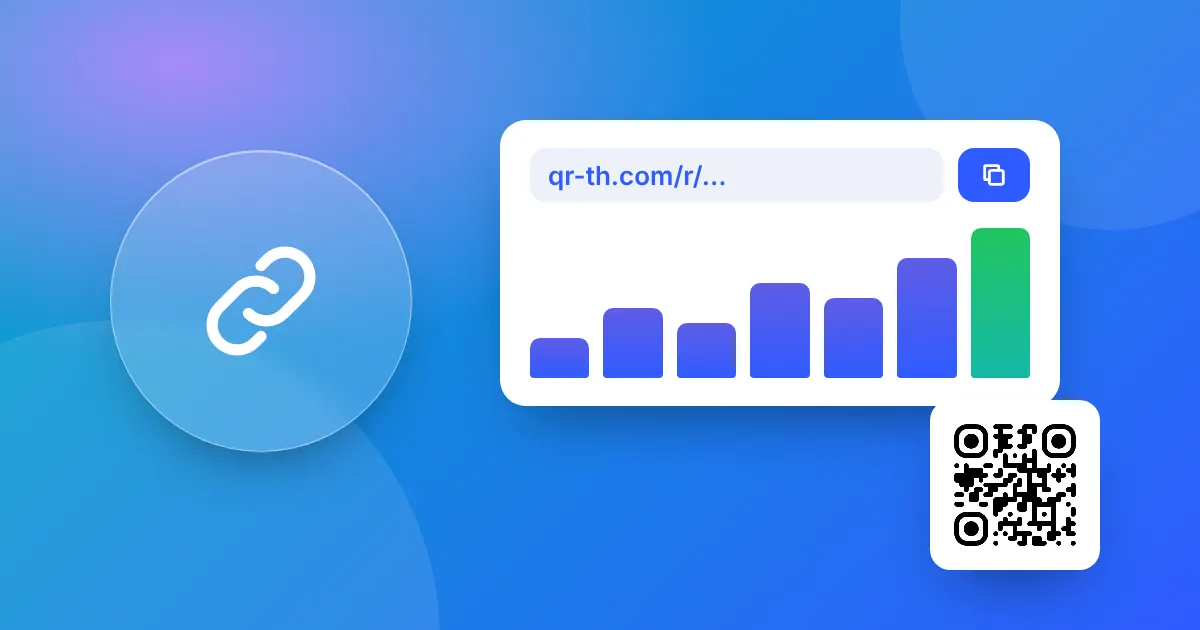
Pick a design and you are done. Your page has its own QR code to print, and Stats shows views and clicks per link, so you know which button people actually tap. There are no ads; on the free plan the page only shows a small "Made with QR-TH" badge. How many pages you can have depends on your plan.
A link in bio that speaks your visitor's language
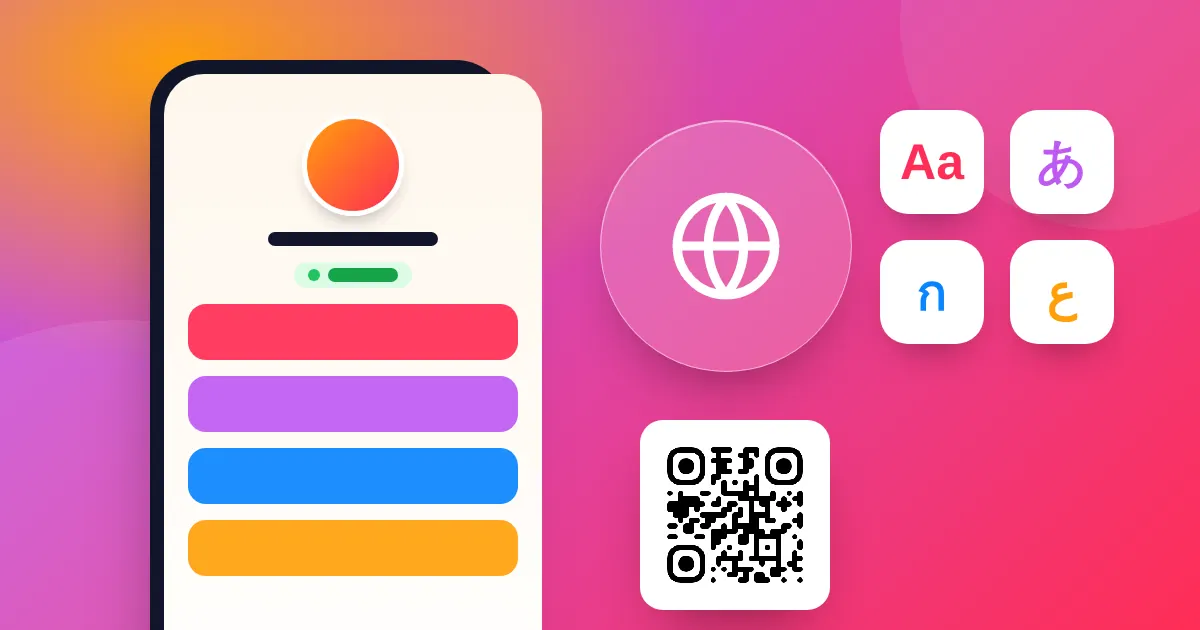
This is what makes QR-TH different. The words the site puts on your page, like "My link 1", "Website", "Opening hours", the names of the days and "Open now", automatically appear in each visitor's own language. That also works on pages made before this feature arrived.
Opening hours even follow the visitor's own clock: someone reading in English sees 9:00 AM, while a Thai or German visitor sees 09:00. A tourist from abroad and a neighbour down the street both read your page comfortably.
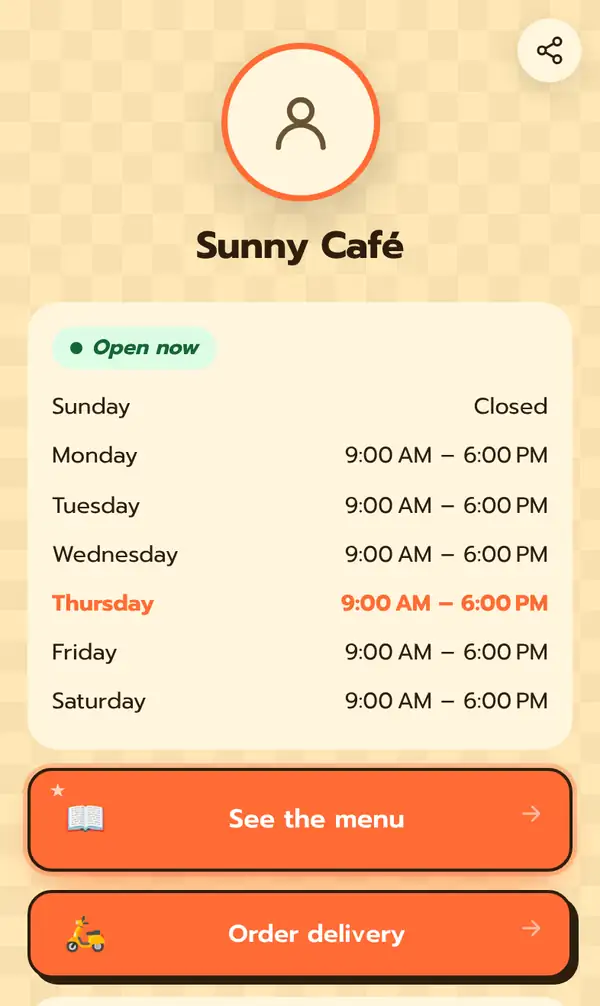
The "Open now" or "Closed now" label is worked out from your opening hours, so customers know at a glance whether to come by.
Your own words in every language
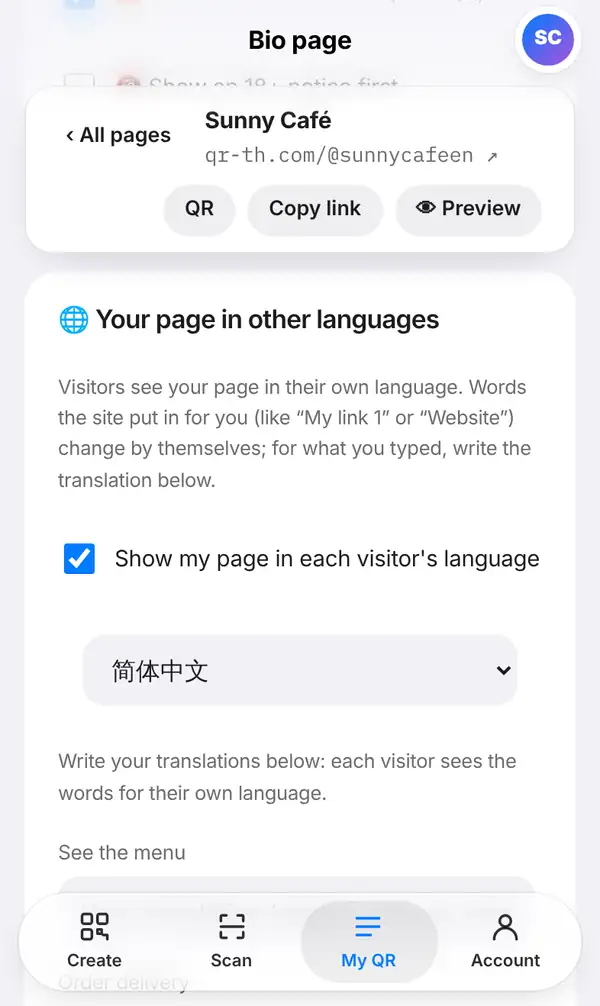
For the words you typed yourself, such as your button labels or a slogan, open Settings in the editor and find Your page in other languages. Each button and text on your page has a box for your translation; leave it empty and it stays as you wrote it.
When the site has a translation service switched on, everything you typed is translated automatically, and brand names stay as you wrote them. Visitors can always tap "See the original" to read your own words.
Made for social media and the shop counter
Put your Bio page link in your Instagram, TikTok, Facebook, LINE or YouTube profile. Then print the page's QR code on the counter, on business cards, on packaging or on a table stand. One page serves your online followers and the customers standing in front of you.
A few ideas:
- A café links to the menu, delivery and opening hours.
- A musician links to new songs, videos and tour dates with a countdown.
- A freelancer shows a portfolio, reviews and a contact button.
- An online shop lists its best products and its LINE chat.
Create your Bio page in 3 steps
Sign up free and pick a template
Open the Bio page editor and choose the template closest to your business.
Add your blocks and design
Add buttons, opening hours, photos or products, then choose colours and style.
Share the link and print the QR
Paste qr-th.com/@name in your profiles and print the QR code for your counter.
FAQ
Is the link in bio page really free?
Yes. A free account gets its own Bio page with no ads, just a small "Made with QR-TH" badge. The number of pages depends on your plan; see pricing.
Can I use it for Instagram and TikTok?
Yes. Paste your qr-th.com/@name link into the bio field of Instagram, TikTok or any other profile.
How does the multilingual link in bio work?
Words the site adds appear in each visitor's language automatically. For your own words, write translations in Settings, or let the translation service do it when the site has it switched on.
Can I see how many people visit?
Yes. Stats shows the views of your page and the clicks on each link.
Create your free link in bio page today. Read more: how to make a bio link page and our free URL shortener with click stats.